




How to use Keyless Open & Start and Remote Start
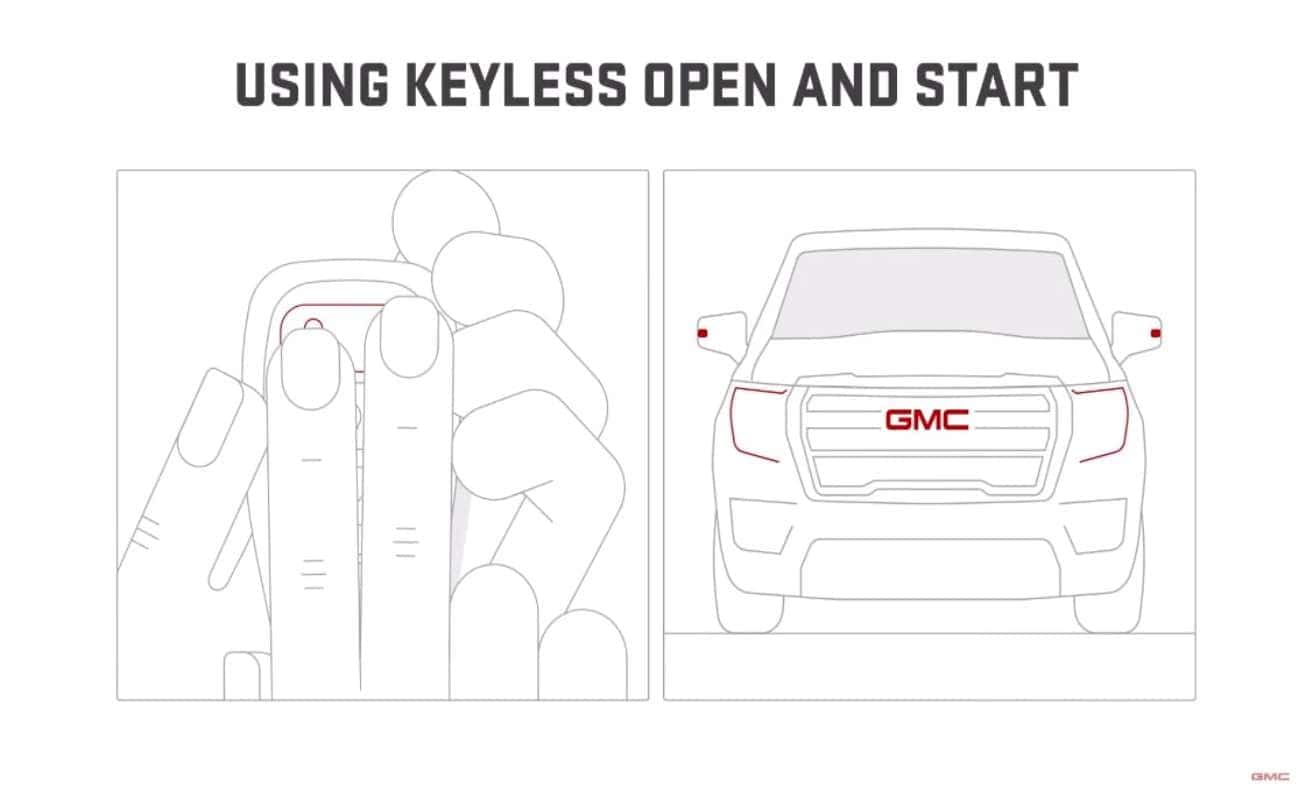
Keyless open and start is already enabled from the moment you get your vehicle. You can unlock your vehicle by simply pressing the button outside the door handle while your key fob stays in your pocket. Keep in mind that there may be a short delay before the door unlocks. To disable keyless open, press and hold the lock and unlock buttons. Then the signal lamps will flash four times.
What if your key fob loses battery or signal power? You can still get your vehicle up and running using the mechanical key inside it. First press the small button on the side of your key fob, then pull the mechanical key out. Now look for the small slot on the right side of the driver door handle. For vehicles with fixed door handles, you can find the slot on the bottom of the door handle. Insert the mechanical key and push all the way up until the cover pops off. Remove the cover, then unlock the door manually by turning the key clockwise until it stops and then counterclockwise. The door should open when you pull the door handle. On some vehicles, you may need to pull the door handle while turning the key counterclockwise. Don’t forget to put the door handle cover back on when you’re done. Once you’re in, make sure your key fob is also in the vehicle.
Finally, start your vehicle by pressing the brake pedal and the engine start/stop button. For vehicles with manual transmission, press the clutch pedal first, then the engine start/stop button. If you press the start button with a valid key fob inside your vehicle and you’re not pressing the brake pedal, your vehicle will enter accessory mode. To turn off the engine, just press the engine/start stop button again.
Remote start is a great help if you want to warm up your engine without going outside on a cold day. Here’s how it works. If you’re within 197 feet, aim your key fob at the vehicle. Depending on your vehicle, you may or may not need to press and release the lock button. Then immediately press and hold the remote start button for about four seconds until the engine starts. If you have an eligible GMC Connected Services plan, you can also remote start your vehicle through the My GMC Mobile app. Just open the app, then press and hold the remote start button until the engine starts. That’s it.
Be aware that engaging remote start may vary per vehicle, so it’s best to check your owner manual for the precise steps.
So now starting your journey is easier than ever.
0 comment(s) so far on How to use Keyless Open & Start and Remote Start