





Google Built-In: Improve Your Driving Experience
Upon setting up your vehicle’s infotainment system, you’ll be asked to accept Google as your default operating system, which enables you to access features like Google Assistant, Google Maps, and Google Play.
Google built-in capabilities require a GMC Connected Services plan. To purchase a plan, just push the blue OnStar button to speak to an advisor, or sign into your account on gmc.com to check out available plans. With a GMC Connected Services plan, you’ll get access to realtime data, downloadable apps, regular updates, and a lot more.
If this is your first time using a vehicle with Google built-in, you’ll be prompted to log into Google by entering your email and password through the Setup Wizard on the infotainment screen. And although signing into Google is not required, doing so will give you a more personalized experience. Don’t have a Google account? You can create one on your infotainment screen or visit accounts.google.com on your phone or computer.
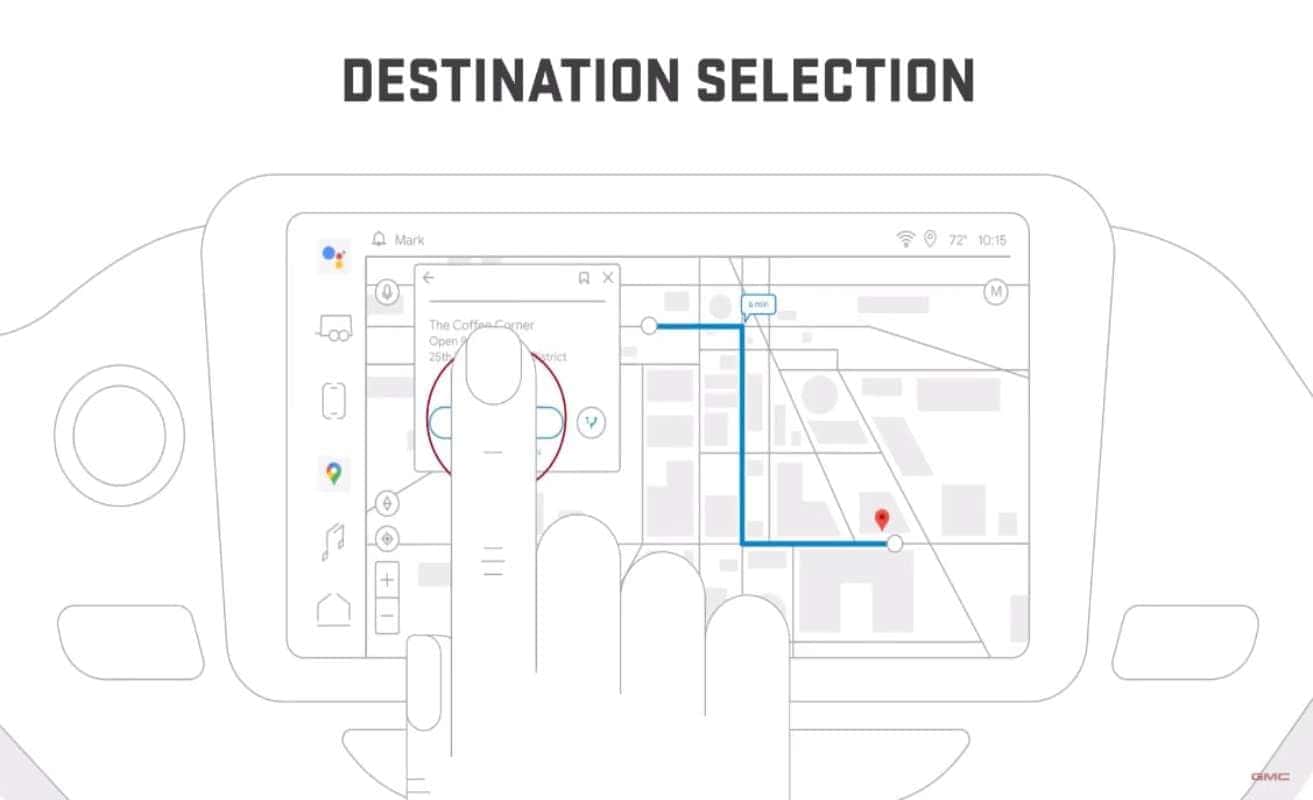
Your GMC Connected Services plan will give you an enhanced experience of Google Maps. You can easily get directions to your usual routes, like your home, work, or the recent places you visited, or search for a different destination. Navigate with real-time traffic information. See points of interest in the area, like coffee shops and gas stations, and see compatible roads where you can engage Super Cruise driver assistance technology, if equipped.
Get hands free help in the car from Google Assistant. Just say, “Hey, Google,” or press the push to talk button on the steering wheel to get started. “Hey, Google, navigate home. Hey, Google, add pine nuts to my shopping list. Hey, Google, call Emma. Hey, Google, play music. Hey, Google, set temperature to 70 degrees.”
Want to check out other apps you can use for your vehicle? Check out Play Store on your infotainment screen to see what apps are available. Say you want to install YouTube Music, select it, review the app details, then tap install. Once installed, the YouTube Music app will appear on your infotainment screen.
With Google built-in, you can access a whole world of Google apps and services inside your vehicle while staying focused on the road ahead.
0 comment(s) so far on Google Built-In: Improve Your Driving Experience